How to Successfully Implement an ERP System
A successful ERP implementation isn’t just about software—it’s about aligning people, processes, and data.
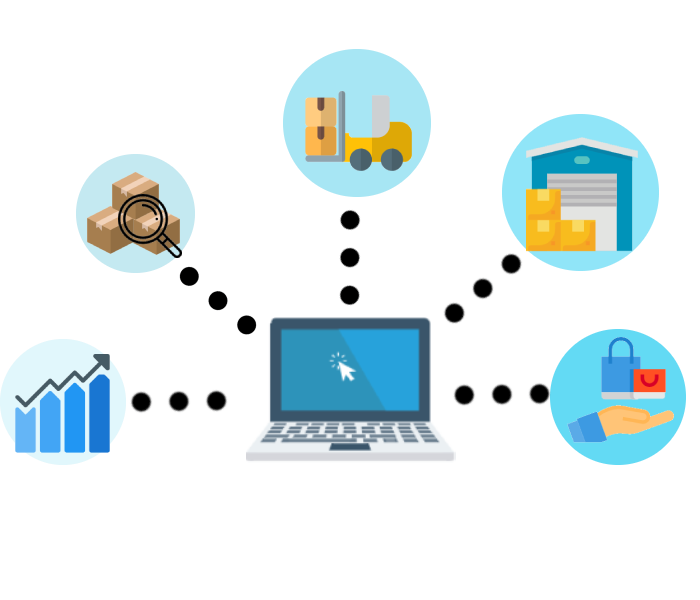
A successful ERP implementation isn’t just about software—it’s about aligning people, processes, and data. Many projects fail not because of the system, but due to poor planning, unclear requirements, or lack of user adoption."
Many projects fail not because of the system, but due to poor planning or lack of user adoption. Here is your practical implementation roadmap:
Steps to implement ERP System
1. Define Clear Objectives
Before choosing or implementing any ERP:
- What problems are you solving? (e.g., inventory inaccuracy, slow reporting)
- What KPIs do you want to improve? (e.g., faster closing, real-time stock)
👉 Without clear goals, ERP becomes just an expensive accounting system.
2. Get Management Commitment
Top management must:
- Be actively involved
- Make fast decisions
- Enforce process changes
ERP will change workflows—without leadership support, users will resist.
3. Map & Improve Your Processes (Don’t Just Copy Old Ways)
- Document current workflows (sales, purchasing, inventory, finance)
- Identify inefficiencies
- Standardize processes before system setup
👉 Avoid “garbage in, garbage out” — ERP will only amplify bad processes.
4. Choose the Right ERP System & Vendor
Look for:
- Industry fit (trading, manufacturing, services)
- Local compliance (e.g., SST in Malaysia)
- Strong support team
For example, systems like WINCOM ERP are designed for Malaysian SMEs with modules covering finance, inventory, sales, HR, and reporting—helpful for companies that want integrated operations without overcomplication.
5. Assign a Dedicated Project Team
Include:
- Internal key users (from each department)
- Project manager
- Vendor consultants
👉 Key users are critical—they bridge business needs and system setup.
6. Data Preparation & Cleansing
Before migration:
- Clean customer, supplier, and item data
- Remove duplicates
- Standardize formats
👉 Bad data = wrong reports = loss of trust in ERP
7. Proper Training & User Adoption
- Train users based on their roles
- Provide hands-on practice
- Avoid “one-time training only”
👉 ERP success depends on daily usage, not just go-live.
8. Phased Implementation (Don’t Go Big Bang if Risky)
Options:
- Phase 1: Finance + Sales
- Phase 2: Inventory + Purchasing
- Phase 3: HR / BI
👉 Reduces risk and allows learning along the way.
9. Testing Before Go-Live
Perform:
- User Acceptance Testing (UAT)
- Scenario testing (end-to-end process)
👉 Example: Sales Order → Delivery → Invoice → Payment → Report
10. Post-Go-Live Support & Continuous Improvement
After go-live:
- Monitor issues closely
- Fine-tune reports and workflows
- Plan enhancements (dashboard, automation, BI)
👉 ERP is not a one-time project—it’s continuous improvement.
Common Mistakes to Avoid
- ❌ No clear requirements
- ❌ Choosing cheapest system only
- ❌ Lack of user training
- ❌ Poor data migration
- ❌ No internal ownership